
Rhino Tutorial for Laser Cutting Part 2: Controls and Lines
Watch on
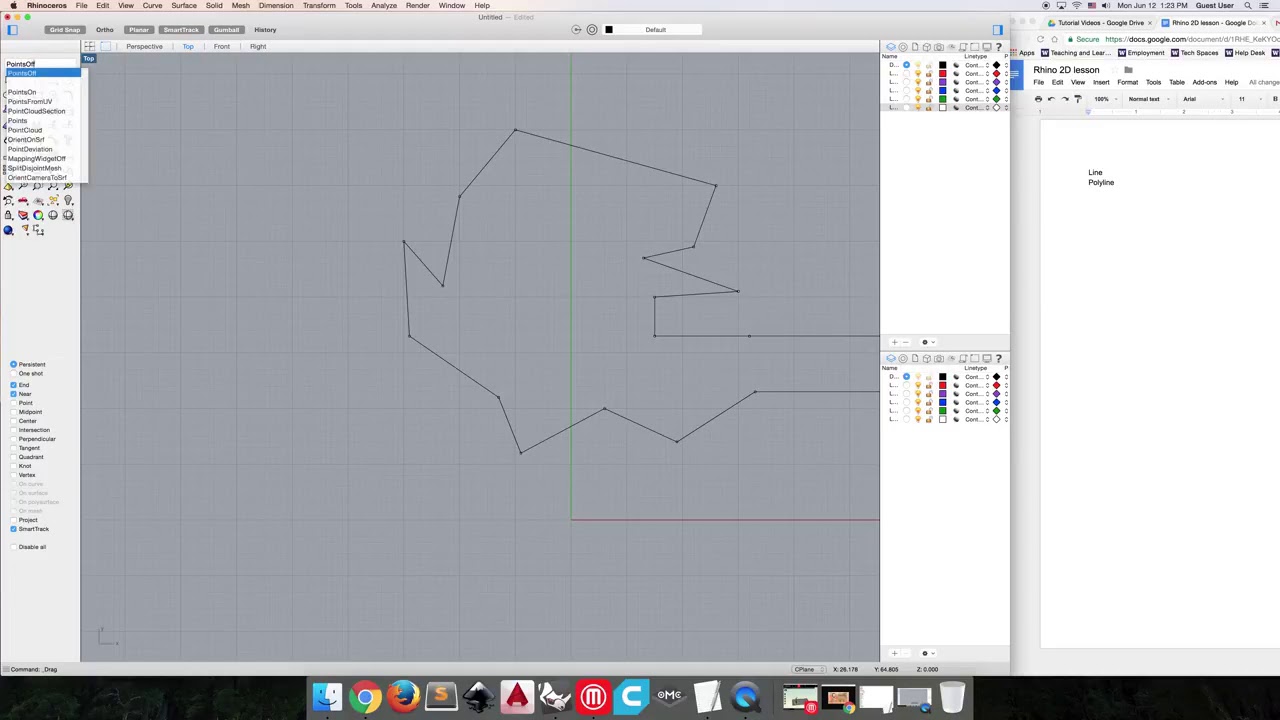
Presented by Chloe from CoMotion MakerSpace at University of Washington Full Rhino command list is available here https://docs.mcneel.com/rhino/5/help/en-us/commandlist/command_list.htm Table of Contents: 00:14 maximizing a viewpoint 00:25 Pan 00:30 Zoom 00:48 Line 02:33 Polyline (draw multiple line or arc segments at once) 03:52 PointsOn (edit and change a line, curve, or shape) 04:33 PointsOff 04:58 Explode (separate segments) 05:30 Split (like explode but uses a cutting object or point for more control) Useful commands for 2D Rhino design work Basic geometry Rectangle Circle Ellipse Polygon Curve Line Polyline Offset TextObject Points Shape Clean-Up Trim Split PointsOn PointsOff Fillet FilletCorners Control Join Explode Group Ungroup Hide Show Lock Unlock Scale Distance Dim Gumball
Chapters
- 0:14 maximizing a viewpoint
- 0:25 Pan
- 0:30 Zoom
- 0:48 Line
- 2:33 Polyline (draw multiple line or arc segments at once)
- 3:52 PointsOn (edit and change a line, curve, or shape)
- 4:33 PointsOff
- 4:58 Explode (separate segments)
- 5:30 Split (like explode but uses a cutting object or point for more control)
